
Use the AI Local Business Audit & Client Pitch Kit with a local business audit checklist and local business pitch template to turn findings into client proposals.
- A local business audit becomes much easier to pitch when you can show the owner one specific thing a customer struggled to do. Maybe the booking link is buried on mobile, the menu takes several taps to find, or a social profile sends visitors to the wrong page. Each observation gives you a starting point for a useful conversation.
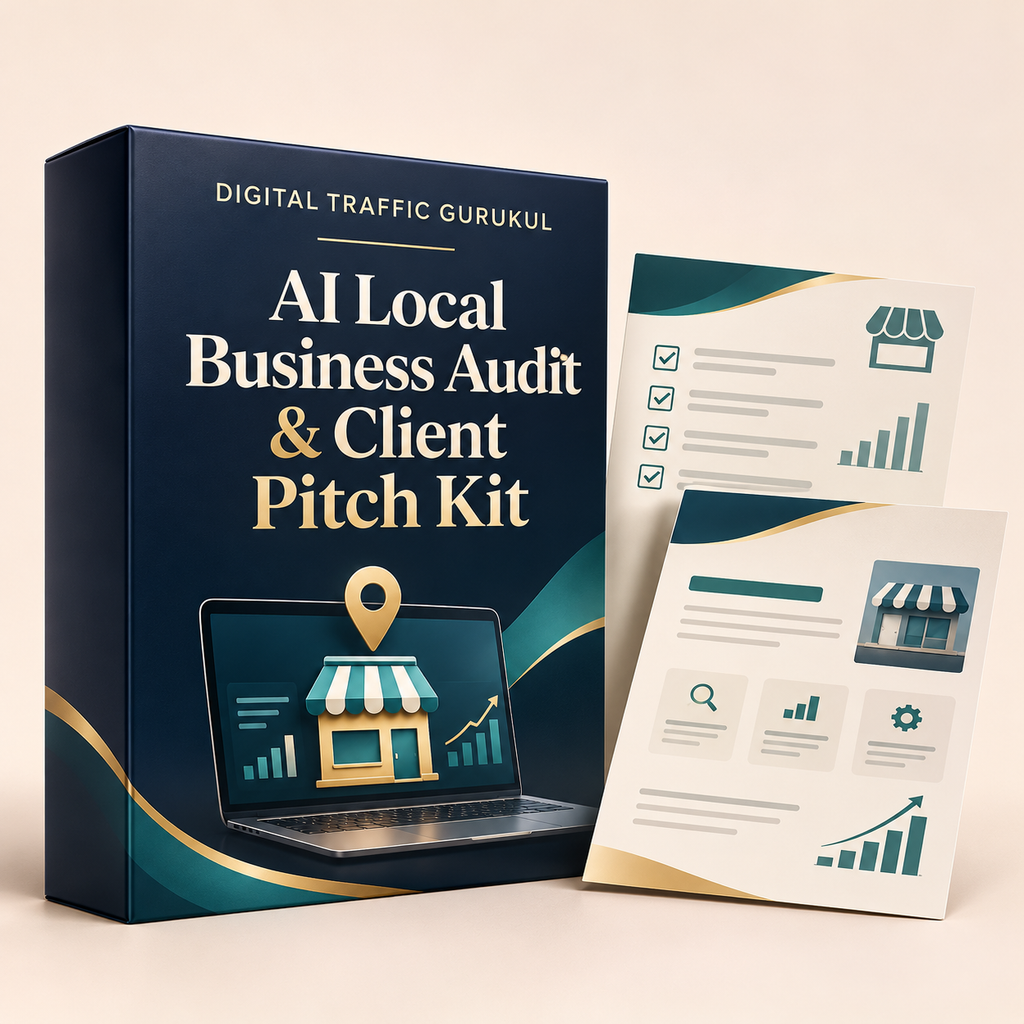
- The AI Local Business Audit & Client Pitch Kit walks through that process with an editable scorecard, AI prompts, outreach templates, a one-page proposal, and a completed salon example. This review looks at what the kit includes, how the pieces work together, and where you’ll need to apply your own judgement.
1. What Is the AI Local Business Audit & Client Pitch Kit?
- It’s an editable toolkit for reviewing a business’s public online presence and preparing a pitch based on something you’ve verified. You look at how a customer finds, evaluates, and contacts the business, then choose one step the owner could make easier.
- You’ll finish with a proposal you can walk through with the business owner.
. For example, a hidden booking link could lead to a small project to improve how customers reach the appointment page on a phone.
2. Who Is the Kit For?
- Freelancers, marketing consultants, and small agencies can use the kit to structure prospect research and make their outreach more specific. It also suits beginners who know how to navigate a website but need a repeatable way to record what they find.
- The format works best when you can explain or scope a service the business might realistically buy. Before quoting a website change, ask who manages the site and whether the owner can approve edits to it.
3. What’s Included in the Kit?
- Editable audit and scorecard. Review the website, Google Business Profile, and social channels. Record your observations and use the scores to decide which issues are worth discussing.
- AI prompts and editable pitch templates. Draft recommendations, write an initial outreach email and follow-up, and turn an agreed improvement into a one-page proposal.
- Completed salon example. See how the same finding moves from an audit observation to an email and a proposed service. The three included bonuses supporting prospecting, discovery calls, and outreach planning.
4. How to Audit a Local Business Website on Mobile
- Open the home page on your phone and try the action a customer is most likely to take. For a salon, test how you would book. For a plumber, try finding the service area and requesting a quote. Start from the home page so you can see which choices are visible to a first-time visitor.
- Record the exact steps. “I found the booking link after opening the menu and scrolling to the bottom of the Services page” gives you something specific to discuss. Note the page URL and the date so you can repeat the check before outreach.
5. How to Review a Google Business Profile
- Compare the public opening hours, contact details, and website destination with the business website. If you see different hours, record both and ask the owner which is current. Special hours or location-specific details may explain the difference.
- If the profile shows a booking or menu link, tap it to see where it takes you.
Notice whether it takes you to the expected destination and whether a mobile visitor can complete the next step there.
6. How to Review a Local Business’s Social Media Profiles
- Start with the channels the business uses regularly. Check the bio, contact information, pinned posts, and profile links for clues about what a new customer should do next.
- Test the promise in the post against the destination. If a recent post says “Book through the link in our bio,” follow that link and see whether you can reach the advertised service. Record any uncertainty so the owner can clarify it.
7. How to Score Your Findings
- Use the local business audit checklist and editable scorecard to compare what you observed. Give priority to findings you can reproduce, connect to a customer action, and describe in a sentence or two.
- Add a short explanation beside each important score. “Appointment link works, but takes several steps to reach from the mobile home page” tells a colleague or client more than a low score on its own.
8. How to Verify One Finding Before You Pitch
- Repeat the same steps before you reach out. If possible, check a second phone or browser. Record the page, device, date, and what happened. A screenshot can help you explain the finding if the owner asks to see it.
- Separate observation from impact. You can say a booking link took three taps to reach during your check. You’d need the business’s data to say whether that path affects bookings.
9. How to Use AI Prompts to Draft a Recommendation
- Give the prompt the business type, the customer action you tested, and the evidence you recorded. Ask for a feasible improvement and a plain-English explanation the owner can understand. For a hidden booking link, one option might be to add a visible button that leads to the existing booking page.
- Check the draft against your notes. Remove invented customer reactions, unsupported performance claims, and any suggestion that assumes access you haven’t confirmed. Read the result aloud to catch wording you wouldn’t use yourself.
10. How to Personalise Your First Outreach Email
- Use the local business pitch template to organise a short message around one verified detail. Name the page you checked, describe what you observed, and offer a next step the owner can respond to quickly.
- Sample email. “Hi [Name], I checked your salon website on my phone and found the appointment link near the bottom of the Services page. A visible booking button on the home page could make that link easier to find. Would you like me to send a screenshot and suggest where it could go?”
11. How to Follow Up With One Clear Next Step
- Give the owner some time to respond. Keep the follow-up short and refer back to the same observation so the recipient can understand it quickly.
- Sample follow-up. “Hi [Name], I’m following up on the mobile booking link I mentioned. I can send a screenshot showing where it sits now and one suggested placement. Would that be helpful?”
12. How to Write a One-Page Client Proposal
- State the agreed problem, the work you’ll deliver, what the client needs to provide, the fee, and who approves the change. Include a practical acceptance check, such as testing that the new mobile button opens the correct booking page.
- Be specific about scope. Adding a booking button, updating service-page copy, and replacing the booking platform are different jobs. List the tasks included in the fee so the client knows what they’re approving.
13. Worked Salon Audit Example
- In a fictional salon scenario, the booking page works, but a first-time mobile visitor must open the menu, select Services, and scroll to find the appointment link. The audit records those steps and points to a clear improvement the owner can evaluate.
- The outreach email offers to share a screenshot and suggest a visible button placement. If the owner wants to proceed, the proposal can cover adding the button, testing the destination on mobile, and asking the owner to sign off on the updated page.
14. Launch Price, Regular Price, and How to Get the Kit
- Front-end launch price — $8.99 USD. The regular price is $24.99 USD. The front-end offer includes the core audit and pitch materials and the three bonuses below.
- Visit the official sales page for current pricing and checkout. After purchase, follow the WarriorPlus Product Access instructions to get the files. View the AI Local Business Audit & Client Pitch Kit
15. Frequently Asked Questions About the Kit
- Can I start the audit without logging in to the business’s accounts?
You can start by reviewing public pages. Ask for permission and confirm who can grant access before making changes or reviewing private data.
- Can I use the workflow for businesses other than salons? Yes. Choose a customer action that fits the business, such as opening a menu, requesting a quote, or finding directions.
- Does AI perform the audit? The prompts help you write from your findings. You check the pages, verify what you observe, and approve the final wording.
16. Three Included Bonuses
- Local Prospect Finder & Tracker. Build a shortlist, record what you notice about each business, and track who is ready for a personalised pitch.
- Discovery Call Script & Objection Guide. Ask about priorities, timing, approvals, and budget so you can decide what to include before quoting.
- 30-Day Client Outreach Planner. Schedule prospect research, first emails, follow-ups, and proposals so you know who needs a reply and what’s due next.

17. Final Verdict: Is It Worth It?
At $8.99 during launch, the AI Local Business Audit & Client Pitch Kit is worth considering if you want a repeatable way to turn prospect research into a specific service proposal. Its strongest feature is the worked example, which shows how one finding can carry through the audit, outreach, and proposal.
- The kit guides you from the first audit check to a client-ready proposal.
You’ll get the most from it if you verify each observation yourself and choose a fix you can explain, scope, and deliver.
Publisher disclosure. This product is created and sold by Digital Traffic Gurukul. The link below goes to our own sales page.
Start with one local business, use the scorecard to verify an issue, and adapt the pitch template to offer one practical next step.
<<<<<<<< Get the AI Local Business Audit & Client Pitch Kit>>>>>>>>>>
#LocalBusinessAudit#LocalBusinessMarketing#ClientPitch#AuditChecklist#ClientProposal
#AgencyOutreach#SmallBusinessMarketing#DigitalTrafficGurukul#